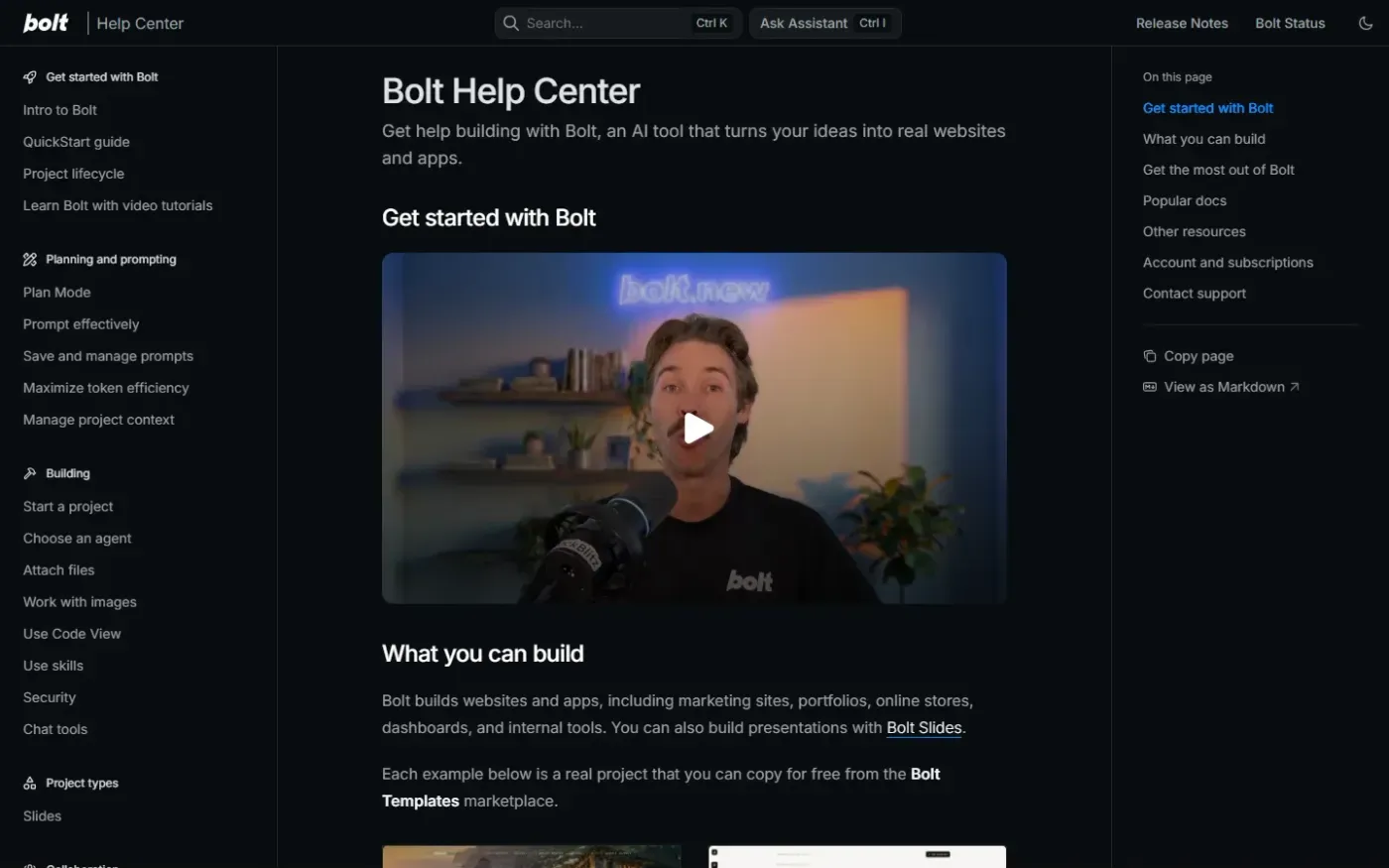
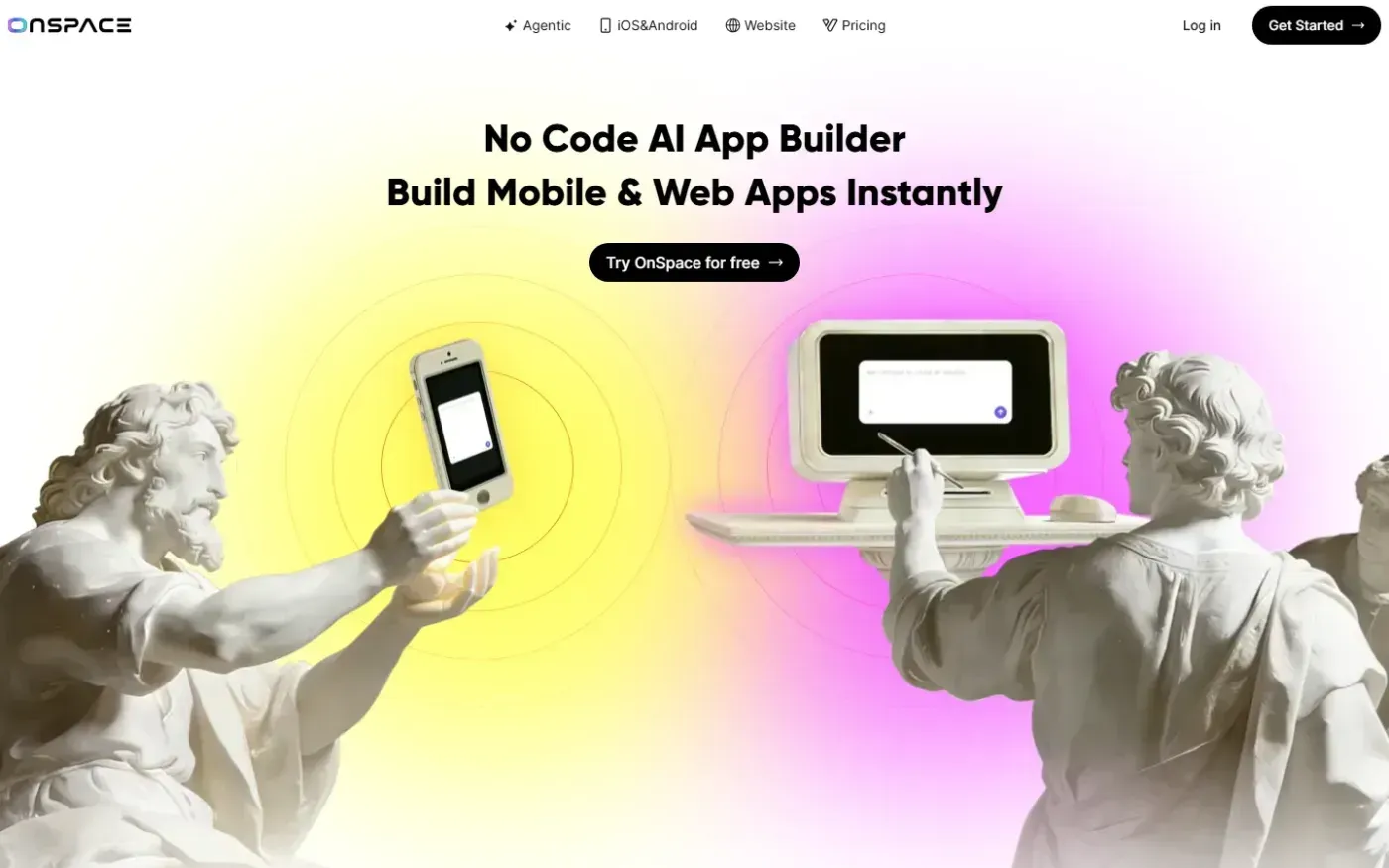
Bolt and Onspace both offer AI-driven paths to application development for non-technical founders, but they prioritize different deployment outcomes. While Bolt provides a robust browser-based sandbox for web applications, Onspace focuses on a streamlined path to mobile app stores and design-to-code workflows.
Quick Verdict
Onspace (74.7) slightly edges out Bolt (72.1) in our technical reviews, primarily due to its clearer brand positioning for mobile-first founders and better handling of audience segments. Bolt remains a powerful choice for web-centric projects requiring high-quality documentation, though it is currently hampered by significant mobile performance issues.
Feature Comparison
| Feature | Bolt | Onspace |
|---|---|---|
| AI App Generation | Yes | Yes |
| App Store Publishing | Unverified | Yes |
| Browser IDE / Sandbox | Yes | Yes |
| Database Management | Yes | Yes |
| Figma Import | Unverified | Yes |
| Custom Domains | Yes | Yes |
Bolt: Strengths & Weaknesses
Strengths (Evidence-Cited)
- High-Quality Documentation: Bolt earns high marks (86/100) for copy that is punchy, specific, and avoids generic AI jargon by using concrete statistics.
- Technical Sandbox: The platform includes a Browser IDE and WebContainer sandbox, allowing for immediate technical prototyping.
- Strong Design Hierarchy: Reviewers noted a clear visual hierarchy and mobile correctness in the interface design (87/100).
Weaknesses (Evidence-Cited)
- Critical Performance Gaps: Bolt suffers from a massive 5.3MB network payload and excessive JavaScript execution times (>5s on mobile), leading to a low performance score (28/100).
- Pricing Transparency: The pricing page lacks clear plan selection guidance, often requiring users to visit support pages for details.
Onspace: Strengths & Weaknesses
Strengths (Evidence-Cited)
- Mobile-First Positioning: Onspace is explicitly positioned for mobile and web apps, with dedicated features for iOS and Android publishing.
- Design Integration: Includes native Figma import and a managed backend, simplifying the transition from design to functional app.
- Audience Targeting: The site effectively targets freelancers and startups through segmented testimonials and clear pricing tiers (92/100 brand discovery).
Weaknesses (Evidence-Cited)
- Slow Mobile Loading: The homepage fails Google's LCP threshold, taking 3.9 seconds to load on mobile due to oversized, lazy-loaded hero images.
- Technical SEO Issues: The site exhibits "soft 404" errors where broken pages return a 200 OK status, alongside incomplete sitemap hygiene.